AI deblur · three kinds of blur, three different fixes

Unblur Image: Make a Blurry Photo Clear Again

Camera shake, a focus that landed on the wall behind, a photo squeezed through three chat apps — each blurs a picture differently, and each recovers differently. Upload yours, we read the blur in your browser first, then rebuild what it hid.

Three kinds of blur — and what came back

Same tool, three different problems. Drag each slider to see the recovery; the dots below are how well faces, text and fine texture came back in our own test runs, not a promise.

Blurry
HD
BlurryHD

Motion blur

The camera or the subject moved while the shutter was open. Every edge is smeared along one direction, like a brushstroke.

How to tell: Straight lines turn into short streaks that all point the same way; highlights become dashes.

Faces
High
Text
Low
Fine texture
High

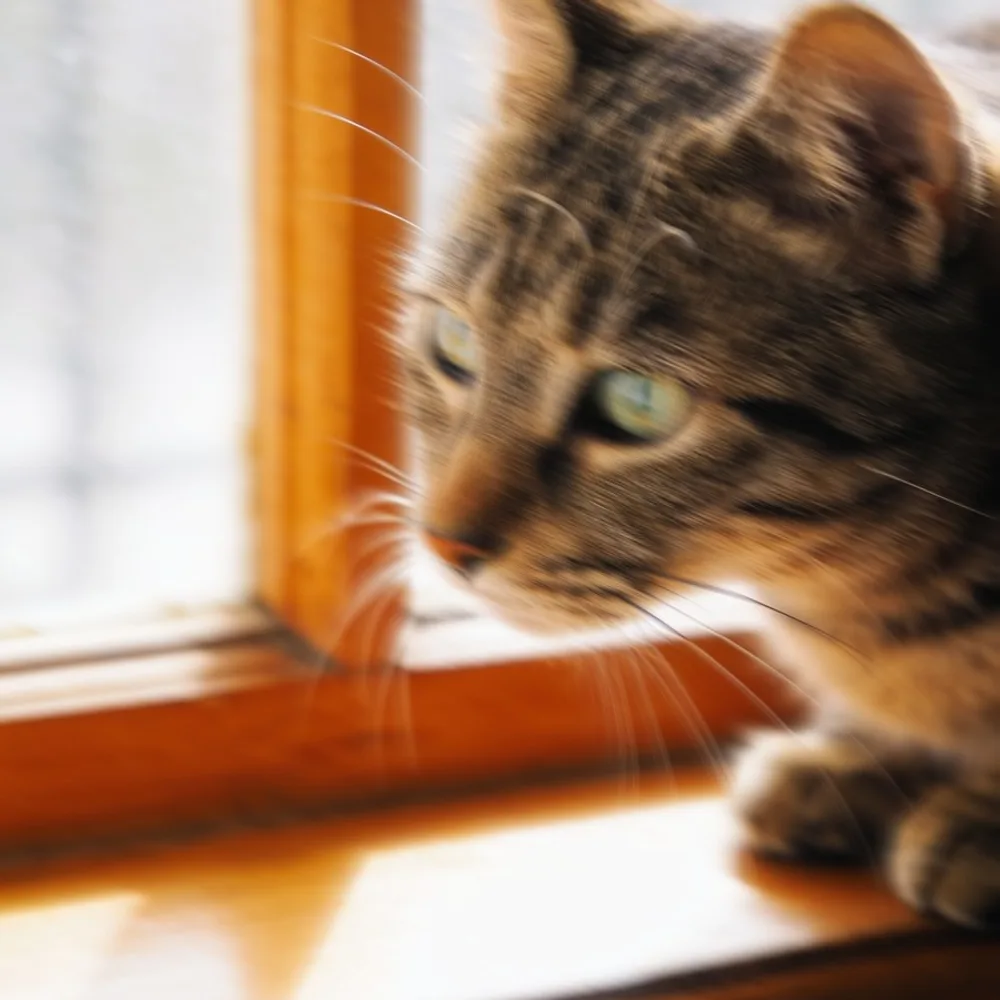
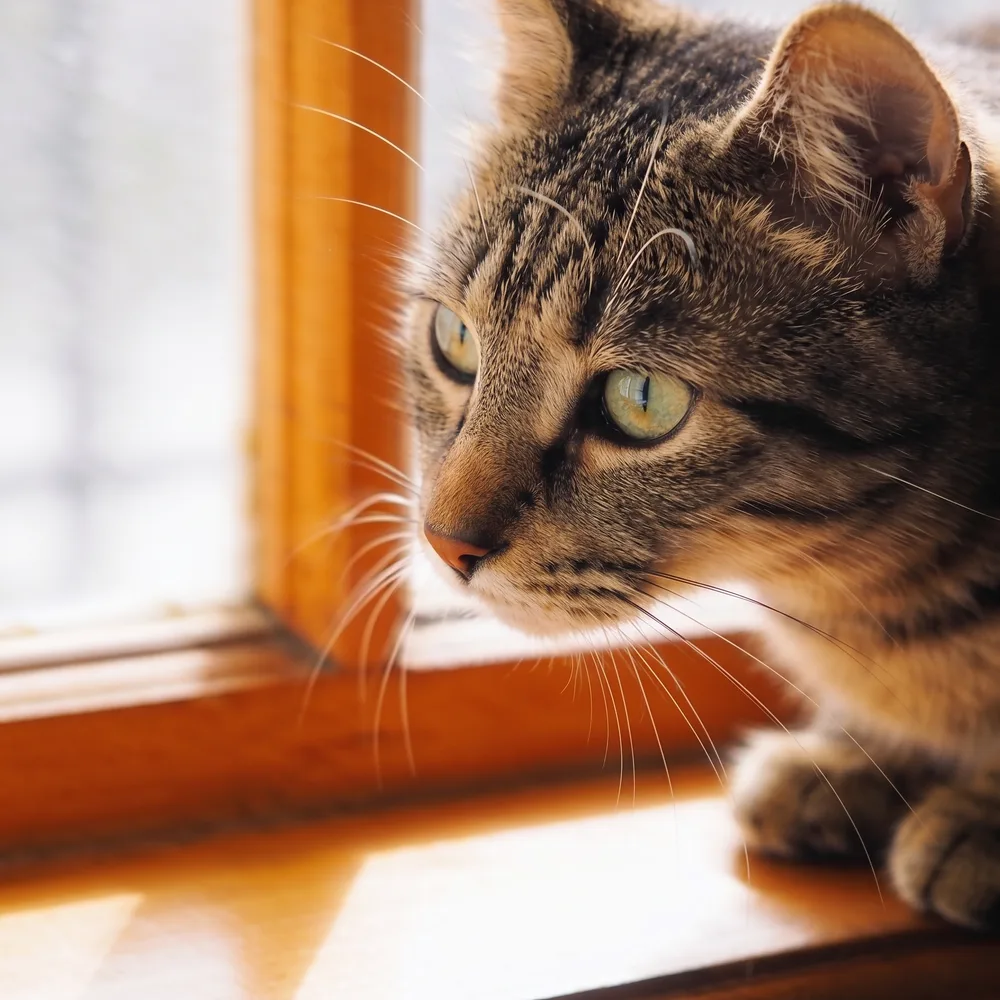
Cat, 14-pixel horizontal shake. Eyes, whisker tips and fur pattern came back; the window frame behind stayed exactly where it was.


Blurry
HD
BlurryHD

Out of focus

The lens focused in front of or behind the subject. Edges are soft evenly in every direction and small highlights swell into discs.

How to tell: Nothing in the frame has a crisp edge; bright points look like soft circles.

Faces
High
Text
Low
Fine texture
Medium

Portrait, moderate defocus. Eyes, eyelashes and beard stubble came back on both tiers; HD kept more pore texture, Standard was a close second — the honest surprise of our tests.

Blurry
Standard
BlurryStandard

Compression blur

The file was shrunk and re-saved at low quality — a WhatsApp forward, a screenshot of a screenshot. Detail is smeared into 8-pixel blocks and edges grow ringing halos.

How to tell: Zoom in: a faint grid, and dark 'ghost' lines beside every hard edge.

Faces
High
Text
Medium
Fine texture
High

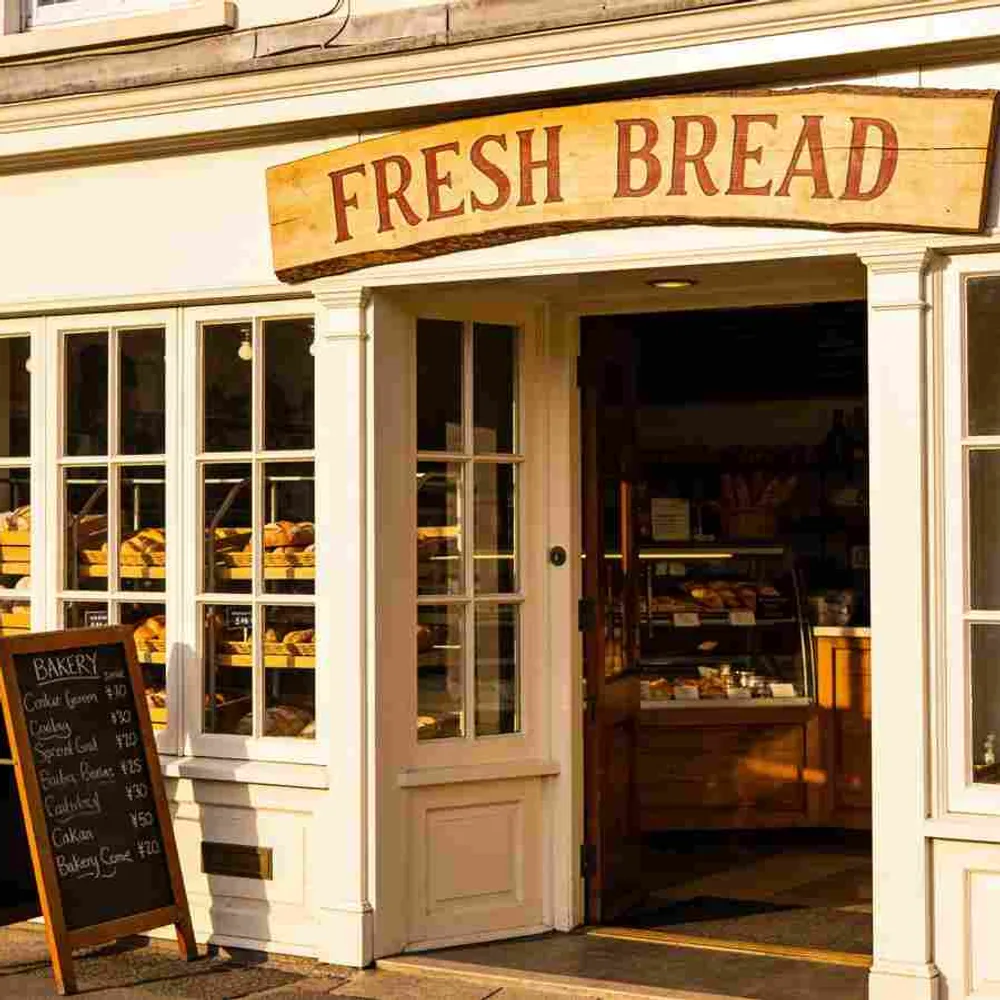
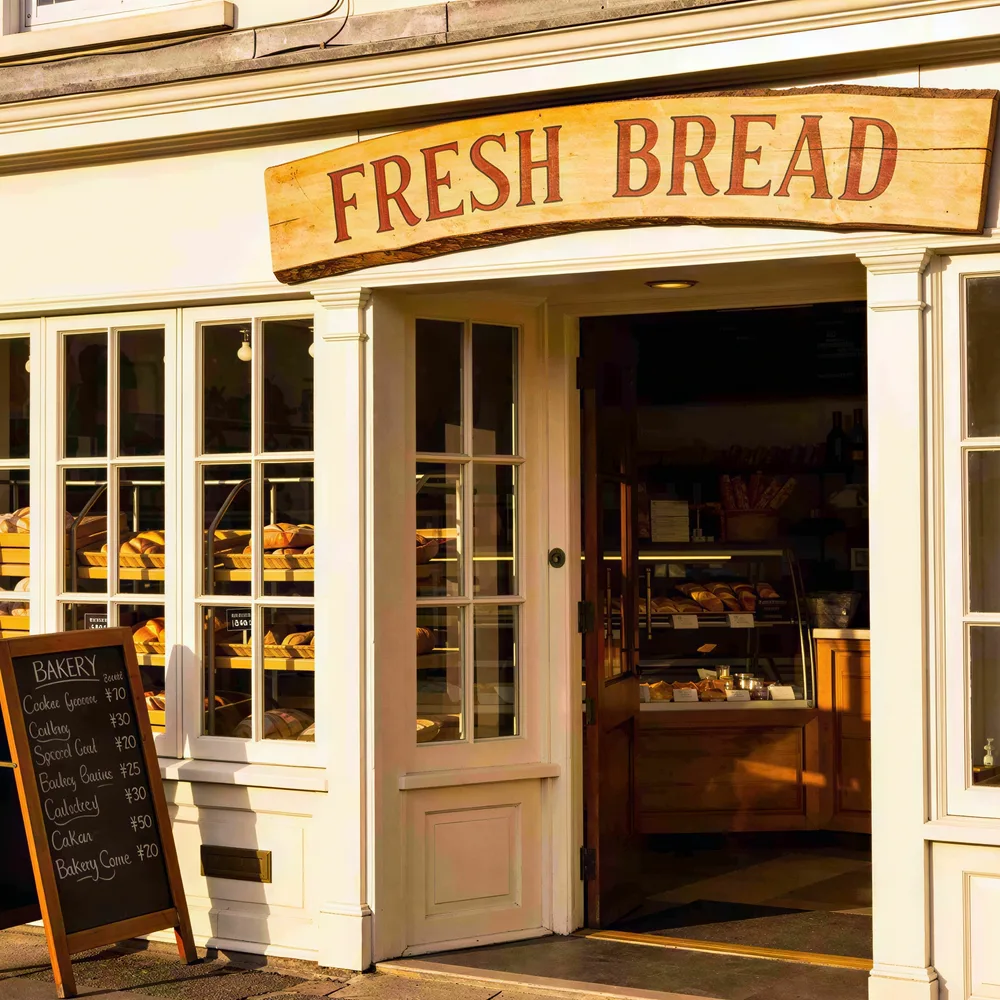
Storefront, saved at quality 18. Standard removed the blocks and cleaned the window frames; the large sign is readable, the small chalk menu is not — see the limits below.

All three source photos are AI-generated test images (no real people) with the blur applied deliberately, so we could compare every result against the sharp original. The results are unedited HD output from this page.

Unblur a photo in three steps

The blur read-out runs on your device before anything is uploaded for processing, so you know what you're dealing with before you spend a run.

  1. 01

    Upload

    JPG, PNG or WebP up to 10 MB. Use the original file, not a screenshot of it — every re-save adds a second layer of blur.

  2. 02

    Read the diagnosis

    We measure edge statistics in your browser and label the blur: motion, out of focus, compression, or just soft — with a suggested tier. It's a hint, not a measurement.

  3. 03

    Run and compare

    HD is pre-selected here because it's the tier that undoes real blur. Drag the slider over the eyes and any text before you download.

Why a sharpen filter can't unblur

Follow one edge across a photo — say the border of a dark jacket against a bright wall. In a sharp picture brightness jumps in a single pixel. Blur turns that jump into a ramp: the light that belonged to the wall leaks into the jacket and vice versa.

A sharpen filter (unsharp mask, the 'clarity' slider, most one-click 'enhance' buttons) doesn't know where the original edge was. It steepens the ramp by pushing the dark side darker and the bright side brighter, which produces the halo you can see in the third panel — and it does nothing for the detail the blur erased, because that detail isn't there to amplify.

Generative deblur works the other way round. It estimates how the light was spread, reverses that spread where it can, and fills the rest from what it knows photographs of eyes, hair, fabric and lettering look like. The result is the fourth panel: a real edge, with no halo. The trade-off is in the limits section — filled-in detail is plausible, not guaranteed.

Sharp edge

Brightness jumps in one pixel.

After blur

The jump becomes a ramp; detail inside it is averaged away.

Sharpen filter

The ramp is steepened by overshooting — the shaded halo — with nothing recovered.

AI deblur

The spread is reversed and the edge rebuilt; no overshoot.

What comes back, by blur type

Measured on our test sets by comparing the output to the sharp original. Faces and objects recover reliably; text is the honest weak spot, because letters carry no redundancy — a smeared 'e' and a smeared 'c' look the same, and under heavy blur the model writes new words.

Blur typeFacesTextFine textureObjects & edgesUse
Motion blur
High
Low
High
High
HD
Out of focus
High
Low
Medium
High
Standard for mild, HD for heavy
Compression blur
High
Medium
High
High
Standard, HD if faces matter

Ratings are from three test photos per blur type, so treat them as a guide. Heavier blur than our tests lowers every cell.

Standard vs HD on this page

Standard runs a restoration upscaler. It removes compression blocks and ringing, cleans noise, doubles resolution — and, to our surprise in testing, it also recovers a moderately out-of-focus portrait well. What it cannot do is reverse motion blur: on our shaken cat it produced a sharper-looking streak, not a sharper cat. HD runs the generative model with a fixed deblur instruction, and that is where the eyes and whiskers in the motion example came from.

HD is pre-selected here because it is the tier that works on every kind of blur. Guests get a free locked HD preview; new accounts start with free credits, so the first full HD image is usually free. Use Standard when the diagnosis says compression, slightly soft, or mild defocus — it's cheaper and it never invents anything.

Honest limits

Text under heavy blur is reconstructed, and it can be completely wrong

On our out-of-focus storefront, the HD tier returned a crisp, perfectly legible chalkboard — listing sourdough and lattes that were never on the original board. On the compressed version the big painted sign came back correctly and the small menu came back as plausible but different words. The model fills unreadable letters with likely letters. Never rely on unblurred text for numbers, names, licence plates, documents or anything with consequences; the Standard tier is the safer choice for text because it never invents.

Faces come back convincing, not certified

Eyes, eyelashes and skin texture are partly inferred from the other eye, the face and the model's knowledge of faces. For a family photo that is exactly what you want. It is not evidence and not identification.

Motion blur has a direction; content along it is the hardest

A streak smears everything along one axis. Shapes that run across the streak recover well; thin detail that runs along it — a line of text at the same angle, a single hair — may stay soft or be smoothed away.

The diagnosis is a heuristic

The read-out uses edge statistics from a small copy of your image. It tells motion from defocus reliably and spots heavy JPEG compression, but a photo that was compressed and then resized loses its block grid and will read as 'soft'. If the label looks wrong, pick the tier yourself.

Frequently asked questions

Unblur your photo

Upload a shaky, out-of-focus or over-compressed photo and see the eyes come back in about ten seconds.